- What happens when all spots in the class are filled?
- The student joins the waitlist on a first-come, first-served basis. If someone cancels, the system automatically promotes the first person in line and notifies them via push notification and email. The system recalculates capacity before promoting, so the class never exceeds the spot limit.
- Can the teacher check in for a student?
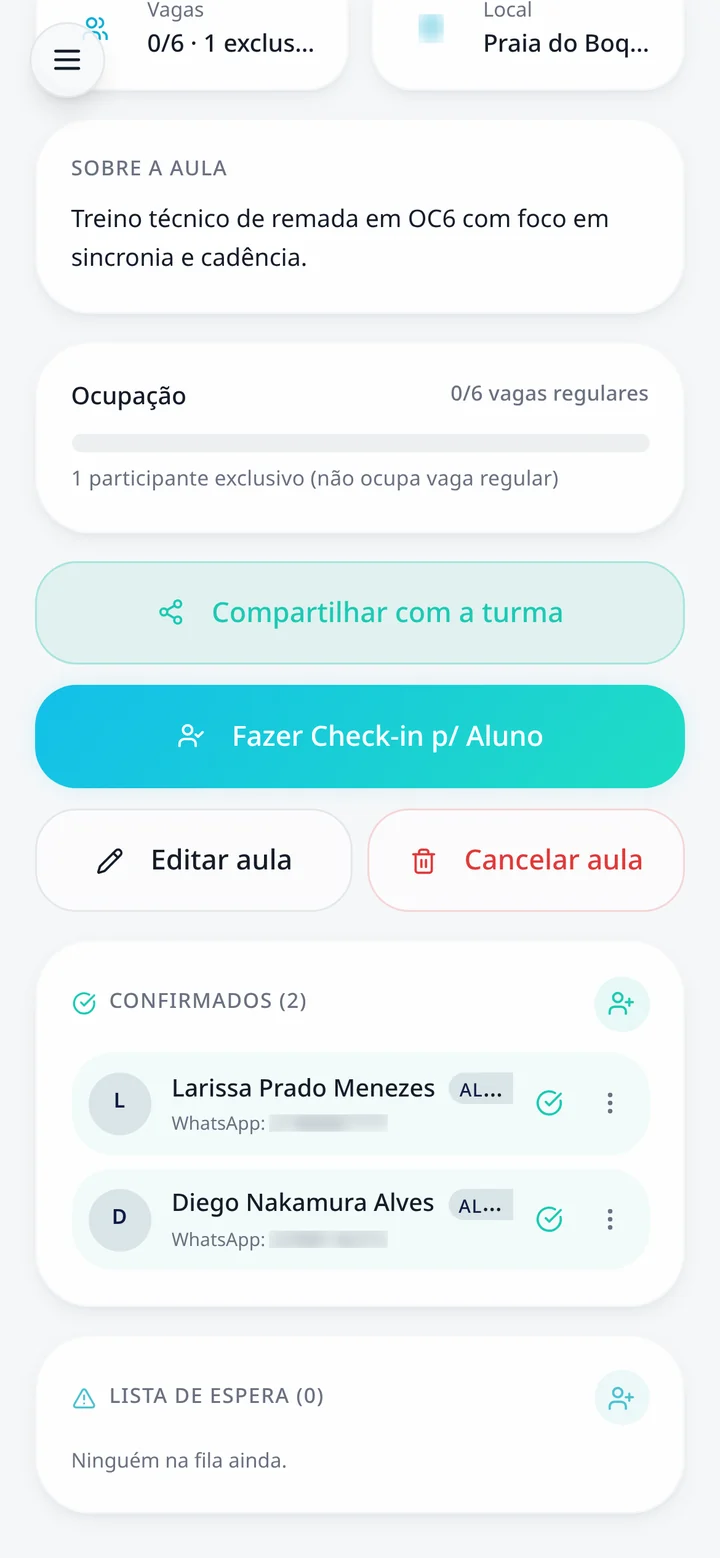
- Yes. On the class screen, there is an option to check in on behalf of a student, useful for anyone who showed up last minute or couldn't use their phone at the time. Their name goes onto the same confirmed list.
- Can the student cancel their check-in?
- Yes, right in the app. The spot is freed up immediately, and if there is a waitlist, the next student is automatically called up.
- Does the student need to install an app from the store?
- No. IMUA Checkin works in your mobile browser and can be installed on your home screen as an app without going through an app store. Check-in requires an internet connection at the time of confirmation.
- Can you control when check-in opens?
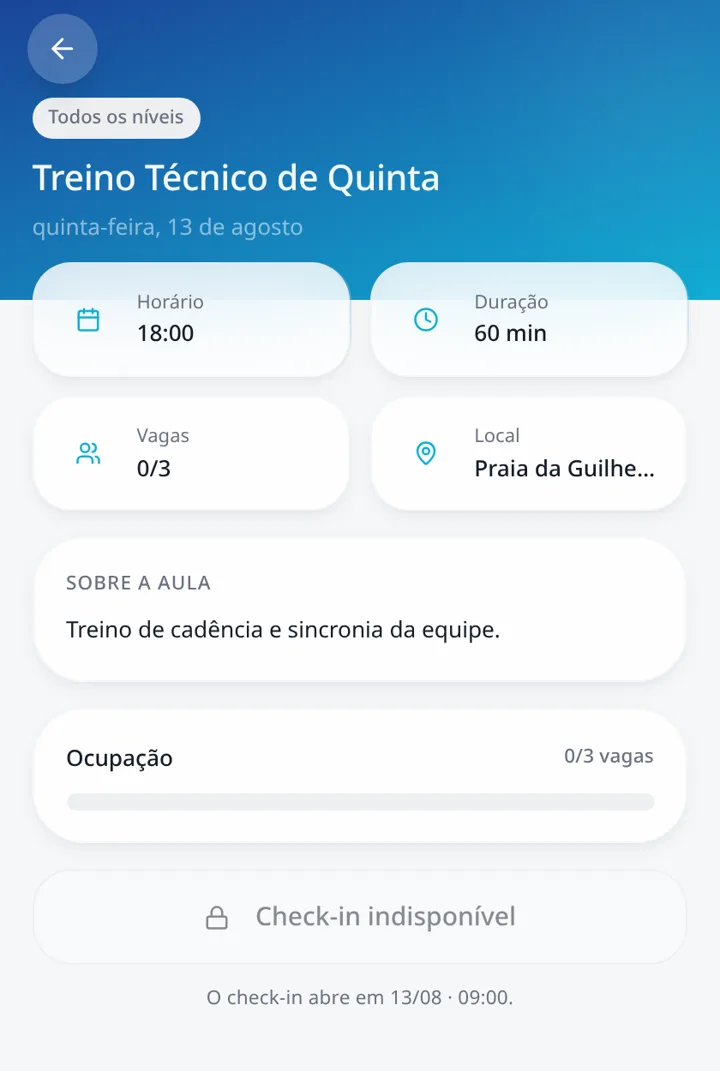
- Yes. The teacher sets when check-in becomes available for each class, and the student sees the time when confirmation opens right on their screen.
- Do visitors and private class students appear on the same list?
- Yes. Group students, drop-in class participants, and visitors are all included in the same capacity count and class list, so the teacher sees exactly who will be on the water.